
 33%OFF
P11-V3 · Keycap changes
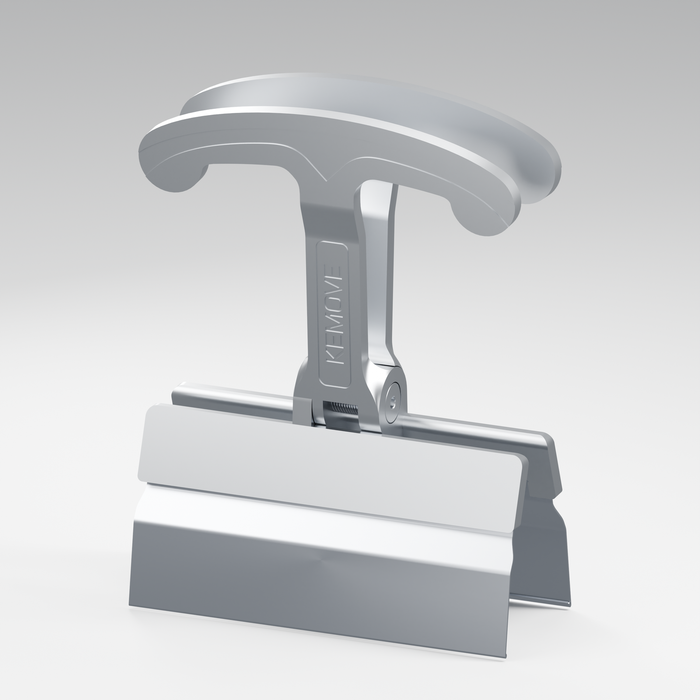
An aluminum puller designed to lift up to four keycaps at once.
$19.99$29.99

KEMOVE FOR CUSTOMIZING
Refresh the colors or clean beneath the keys. Use a keycap puller, keep the layout organized and check replacement keycap sizes first.
 33%OFF
An aluminum puller designed to lift up to four keycaps at once.
 25%OFF
SWITCHES & COMPATIBILITY
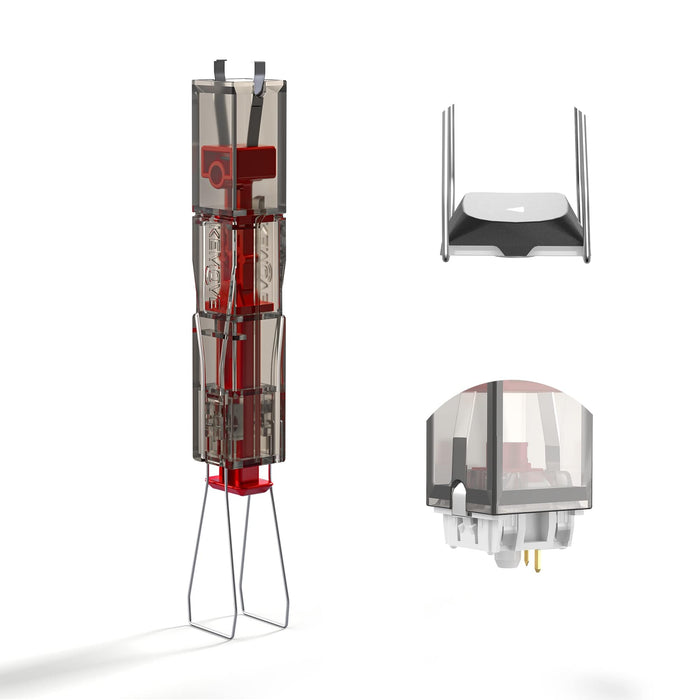
A compatible hot-swappable keyboard lets you try another switch without soldering. Disconnect it first and confirm the socket type before changing parts.
 25%OFF
 14%OFF
 20%OFF
Check the product specifications before buying replacement switches.
MAKE IT YOUR OWN
After changing the hardware, tailor your supported keys, macros and lighting. Keep a copy of your preferred layout before experimenting.
 20%OFF
See the K94 Hub for connection and configuration guidance.
14%OFF
GOOD TO KNOW
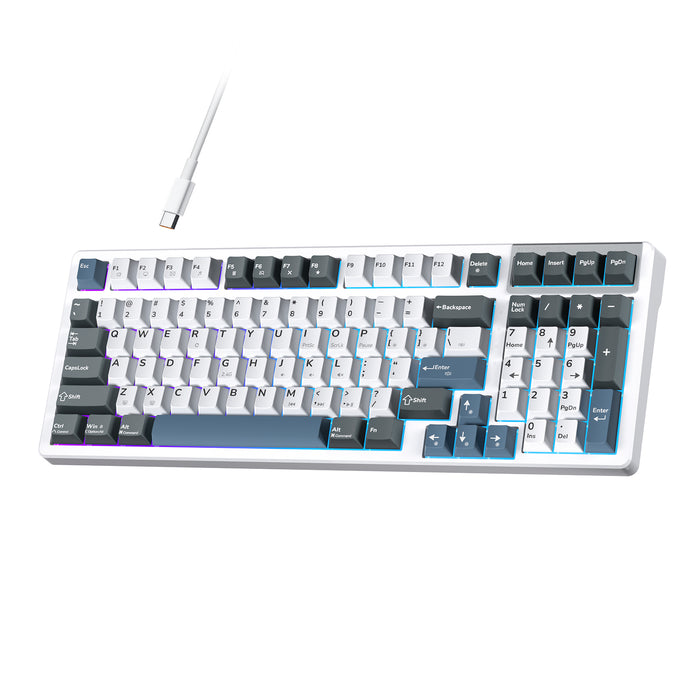
No. Check the keyboard socket, pin compatibility and switch type first. K98E supports compatible 3-pin mechanical switches. Magnetic and mechanical switches are not interchangeable.
Disconnect the keyboard, photograph the layout and keep parts organized. Use a keycap puller for keycaps and the appropriate switch puller for compatible hot-swappable switches. Never force a part that resists.