
 34%OFF
P11-V3 · Keycap changes
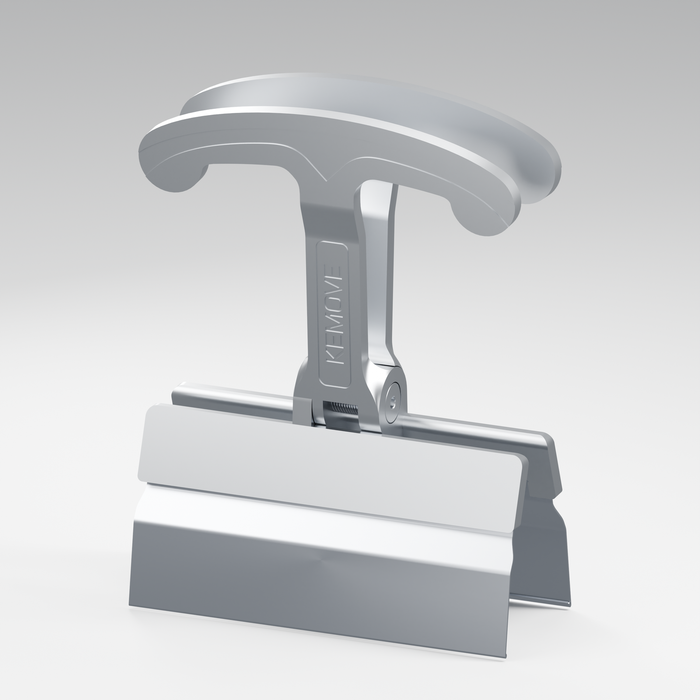
An aluminum puller designed to lift up to four keycaps at once.
Rs. 1,900.00Rs. 2,900.00

KEMOVE FOR CUSTOMIZING
Refresh the colors or clean beneath the keys. Use a keycap puller, keep the layout organized and check replacement keycap sizes first.
 34%OFF
An aluminum puller designed to lift up to four keycaps at once.
 21%OFF
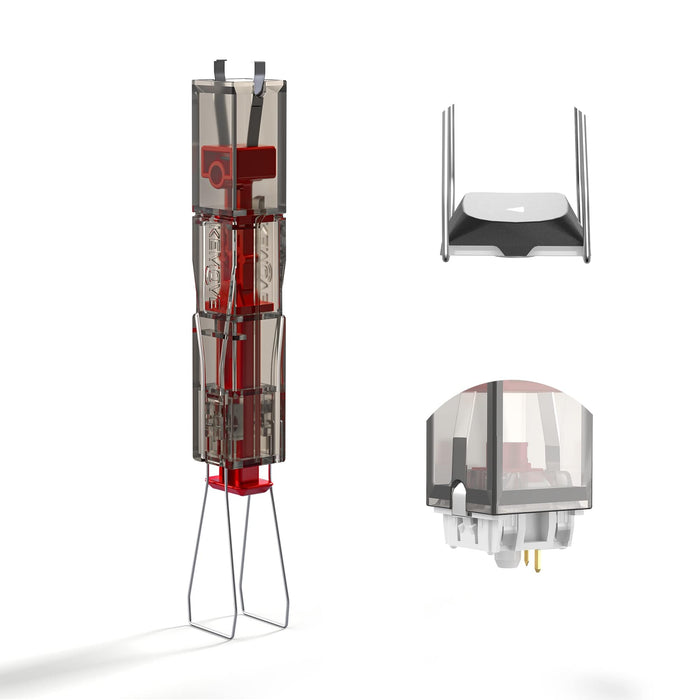
A 2-in-1 tool for keycap and compatible switch changes.
SWITCHES & COMPATIBILITY
A compatible hot-swappable keyboard lets you try another switch without soldering. Disconnect it first and confirm the socket type before changing parts.
 21%OFF
Use the appropriate end for the part you are removing.
 15%OFF
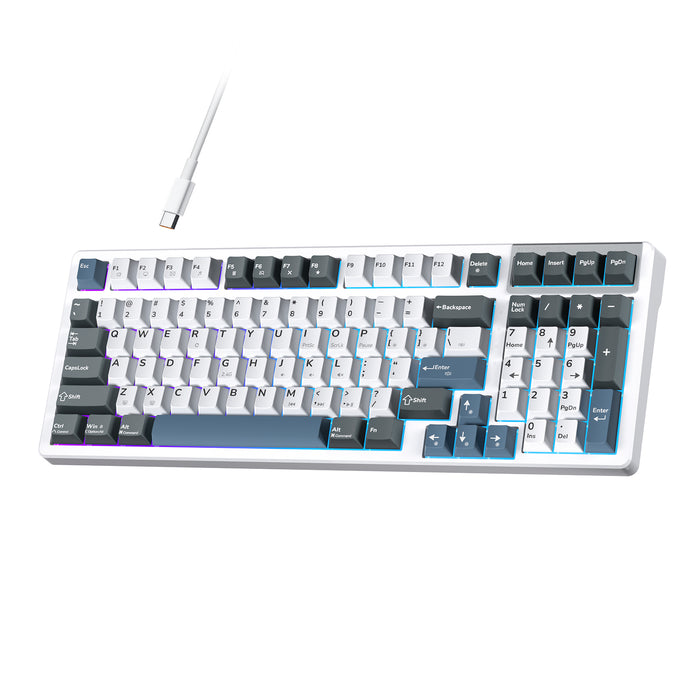
Supports compatible 3-pin mechanical switches.
 20%OFF
Check the product specifications before buying replacement switches.
MAKE IT YOUR OWN
After changing the hardware, tailor your supported keys, macros and lighting. Keep a copy of your preferred layout before experimenting.
 20%OFF
See the K94 Hub for connection and configuration guidance.
15%OFF
QMK/VIA and supported browser-based customization.
GOOD TO KNOW
No. Check the keyboard socket, pin compatibility and switch type first. K98E supports compatible 3-pin mechanical switches. Magnetic and mechanical switches are not interchangeable.
Disconnect the keyboard, photograph the layout and keep parts organized. Use a keycap puller for keycaps and the appropriate switch puller for compatible hot-swappable switches. Never force a part that resists.