
 14%OFF
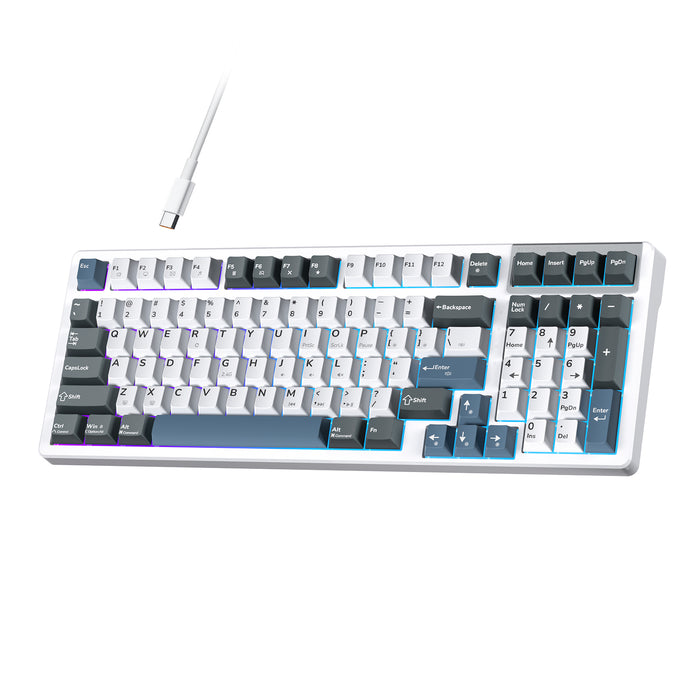
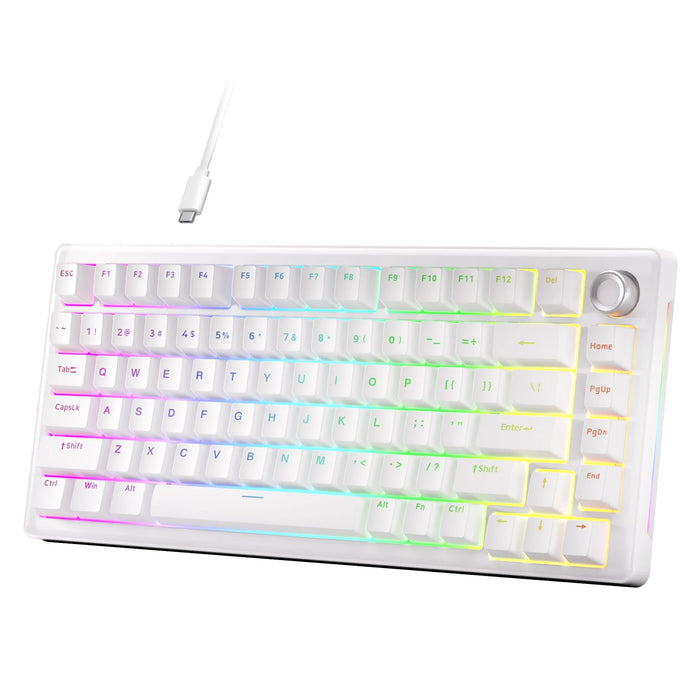
K98E · Plug in and play
Wired connectivity, cream linear switches and south-facing RGB.
$59.99$69.99

KEMOVE FOR GAMING
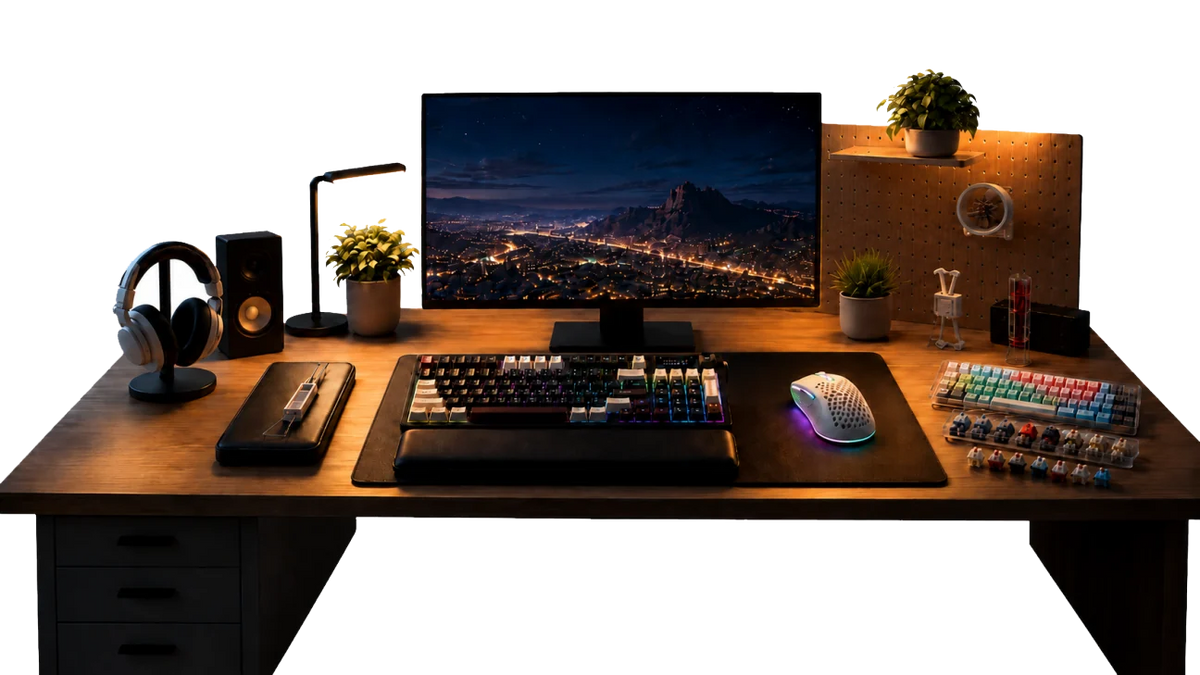
Build around the controls, connection and mouse space that suit how you play. Start with the feel you want, then make it your own.
 14%OFF
Wired connectivity, cream linear switches and south-facing RGB.
 20%OFF
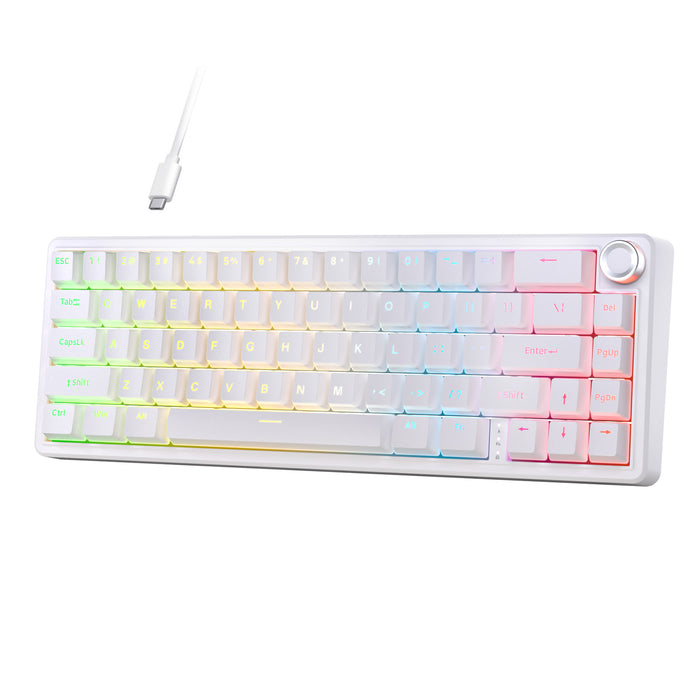
Switch between supported wired and wireless connection modes.
SPACE FOR MOUSE MOVEMENT
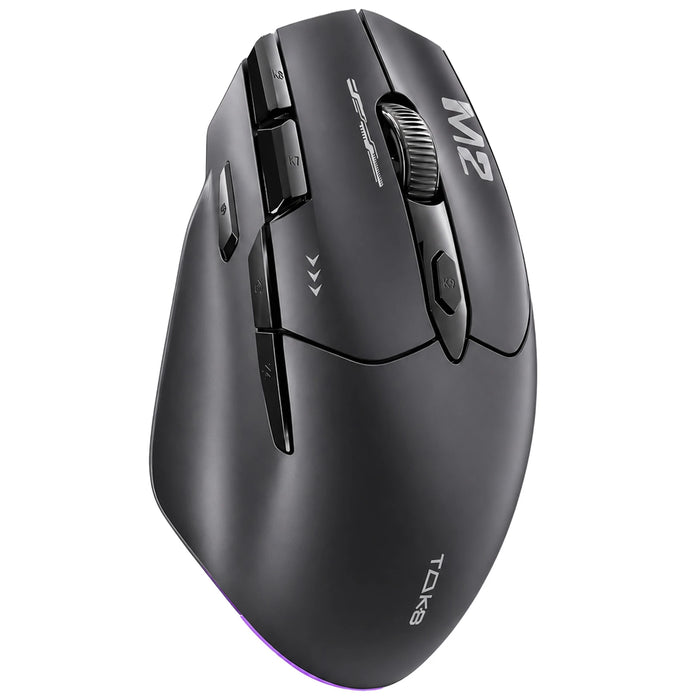
A smaller keyboard can give your mouse more room. Compare a compact layout with a lightweight wired mouse for your desk.
 20%OFF
 17%OFF
 33%OFF
PERSONAL CONTROLS
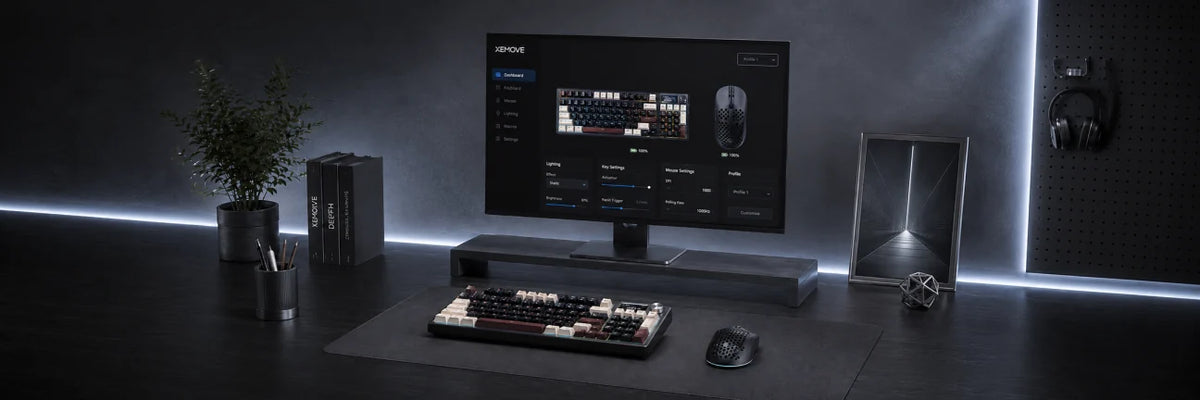
Map the keys you use often and choose a mouse that suits your grip. QMK/VIA configuration on K94 requires wired mode.
20%OFF
14%OFF
 15%OFF
GOOD TO KNOW
The K94 and K98E shown here are mechanical-switch keyboards. They are not presented as magnetic-switch models. Check each product page before buying switches or choosing a keyboard.
K98E is wired. K94 supports USB-C, Bluetooth and 2.4 GHz. Choose the mode supported by your device and follow the product setup instructions.